
AI Overview
Battery backup power for a Melbourne home or business works by detecting a grid outage and automatically switching the property to islanded operation on stored battery energy. The switch happens in milliseconds, preserving running appliances. The key distinction is between whole-home backup - where all circuits stay live - and essential circuits backup, where only selected loads are protected. Backup duration depends on battery capacity and the load being powered.
Key highlights
- Modern battery backup systems switch to islanded mode in milliseconds when the grid drops.
- Whole-home backup keeps all circuits live during an outage; essential-circuits backup protects selected loads only.
- Backup duration depends on battery capacity and what loads you are running - not a fixed number.
- During a blackout, if the sun is shining, solar panels can recharge the battery through the outage.
- Commercial backup considerations differ from residential - load profiling, generator integration, and uninterrupted supply for critical equipment all matter.
- A properly sized and configured backup system requires planning at the battery and switchboard level - it is not automatic on all installs.
Why Melbourne Homes and Businesses Think About Backup Power
Melbourne's electricity network is well-maintained and genuinely reliable compared to many international grids. But outages do happen - from summer storm damage to localised faults, planned maintenance, and the occasional wide-area event during peak demand. For most households, a few hours without power is an inconvenience. For households with medical devices, young children, home offices running critical systems, or businesses with cold chain requirements, an outage is a more serious problem.
The interest in battery backup has grown as more households already have solar-and-battery systems installed for self-consumption reasons, and begin asking whether the system they have can also keep the lights on when the grid goes down. The answer is: it depends on how the system was configured. Not every battery installation includes backup capability - it must be specified and wired at installation time.
How Battery Backup Works During a Grid Outage

- 1
Grid loss detected
The battery system continuously monitors the grid connection. When it detects a voltage or frequency anomaly consistent with an outage, the backup system activates. This happens automatically without any manual intervention.
- 2
Islanding switchover
The system disconnects from the grid and switches to islanded operation - running your home or business entirely from stored battery energy. The switchover happens in milliseconds for systems with whole-home backup gateways. Sensitive electronics, computers, and medical devices typically do not notice the transition.
- 3
Battery powers your loads
All loads on the backed-up circuits - or the whole home, depending on configuration - run from the battery. The system monitors state of charge and manages discharge to extend backup duration.
- 4
Solar recharges during the outage
If the sun is shining during the outage, your solar panels continue generating and charge the battery through the blackout. A typical Melbourne summer morning can add significant energy to the battery, extending backup duration well beyond what the initial stored energy would cover.
- 5
Grid restoration and reconnection
When the grid is restored, the backup system detects a stable grid signal and reconnects automatically. The battery resumes normal charging and discharging cycles without any manual reset.
Backup capability must be specified at installation
Not all battery systems are configured for backup at the time of installation. Backup operation requires a specific wiring configuration - a gateway or dedicated backup circuits - that is different from a battery installed purely for self-consumption. If backup capability matters to you, make this clear when you get your quote so the system is designed accordingly.
Whole-Home Backup vs Essential Circuits Backup
Whole-home backup
- All circuits in the home stay live during an outage.
- Air conditioning, oven, pool pump, and all other loads continue to run.
- Requires a backup gateway (such as the Tesla Energy Gateway) and compatible switchboard configuration.
- Higher battery draw rate - heavy loads deplete the battery faster.
- Typically supported by Tesla Powerwall and hybrid inverter platforms.
Essential circuits backup
- Selected critical circuits are backed up - fridge, lights, Wi-Fi, medical devices, and sockets.
- Heavy loads (electric oven, pool heater, air conditioning compressor) are excluded.
- Lower battery draw rate - the battery lasts significantly longer on critical loads only.
- Lower installation complexity - critical circuits are separated at the switchboard.
- Often the right starting point for households wanting backup at lower total system cost.
| Appliance | Typical Power Draw | Impact on Backup Duration |
|---|---|---|
| Fridge/freezer | 100-200 W average | Low - runs on duty cycle, not continuous |
| LED lighting (whole home) | 200-500 W | Low - very efficient |
| Wi-Fi router + modem | 15-30 W | Negligible |
| Medical device (CPAP) | 30-50 W | Low |
| Electric kettle | 2,000-2,400 W | High - but used briefly |
| Split system AC (cooling) | 1,000-3,500 W | High - continuous draw |
| Induction cooktop (one zone) | 2,000 W | High - but brief |
| Electric oven | 2,000-3,500 W | Very high - avoid on essential-only backup |
Typical load draws to help with backup planning.
How Long Does Backup Power Last?
The calculation that actually matters
Backup duration is straightforward arithmetic: usable battery capacity divided by the rate you are drawing power. A 10 kWh usable battery powering 500 W of critical loads lasts roughly 20 hours. The same battery running a home with the air conditioning on, the oven in use, and all lights blazing might last 3 to 4 hours. The backup duration quoted in product marketing assumes a modest load - your specific duration depends on your actual load during the outage.
Solar recharge during the outage
During a daytime outage in Melbourne summer, a 6 to 8 kW solar array can generate 4 to 6 kWh per hour in good conditions. If your total household draw during the outage is 1 to 2 kWh per hour, the panels generate enough to cover your load plus continue charging the battery - extending backup duration indefinitely on sunny days. This is one of the underappreciated advantages of a solar-plus-battery system over a standalone generator.
- Run only essential circuits during the outage to maximise duration.
- Avoid using high-draw appliances (electric oven, kettle, space heater) if the outage is extended.
- During daylight hours, solar generation can sustain critical loads and continue charging the battery.
- On overnight or multi-day outages, manage loads carefully - the battery cannot recharge at night.
- A generator input on a compatible hybrid inverter allows generator top-up if the outage extends beyond the battery's capacity.
Commercial Backup Power Considerations
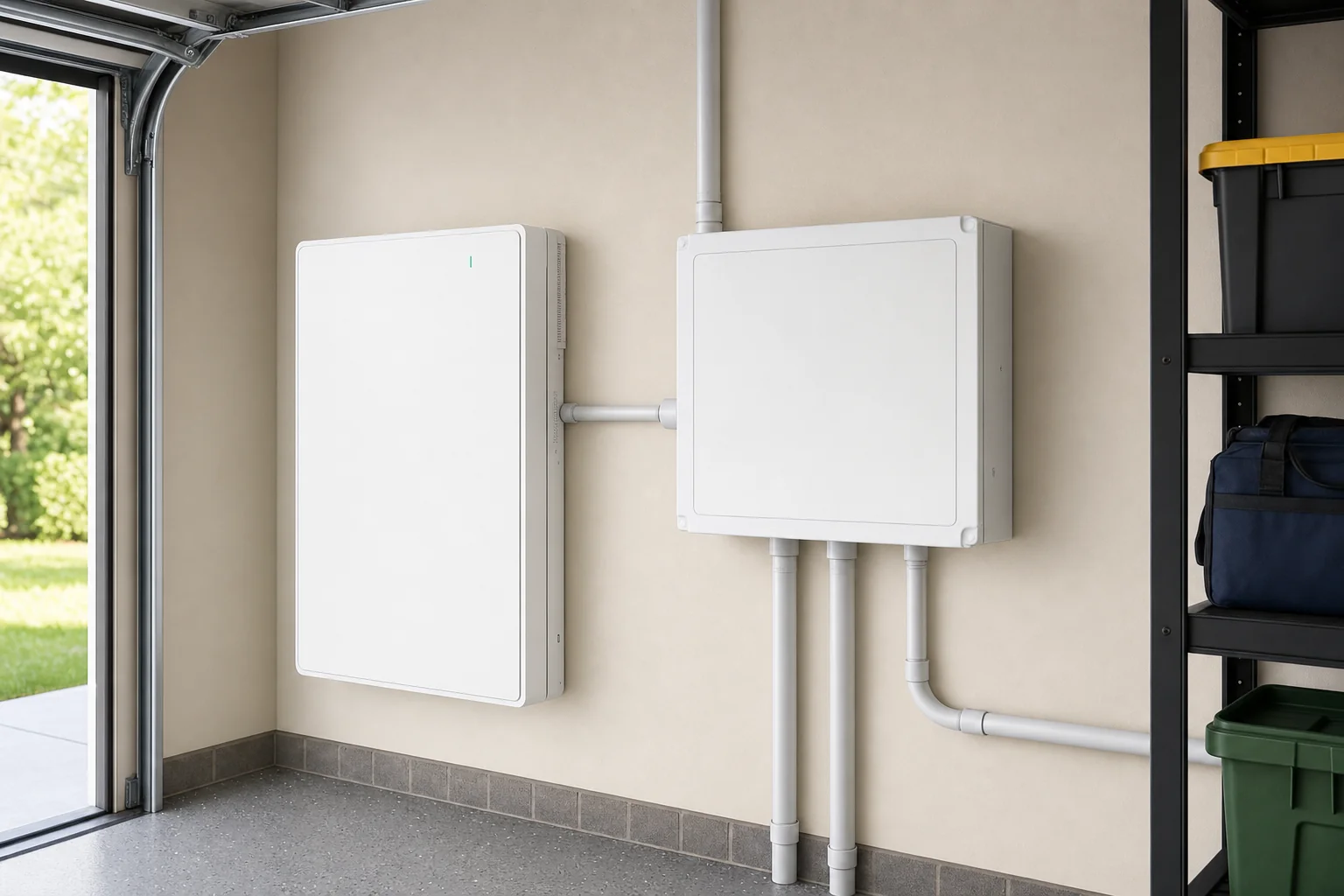
Commercial backup power involves more variables than residential. Businesses need to identify which systems are genuinely critical during an outage - refrigeration for food businesses, point-of-sale and communications for retail, server infrastructure for professional services, and medical equipment for health providers. The backup system must be sized to cover those critical loads for the expected outage window, which for commercial properties is often longer than for residential outages.
Commercial properties also typically have three-phase power, which adds complexity to the backup configuration. Not all batteries support three-phase backup natively - the system design must account for phase balance, neutral management, and switchgear configuration. We handle commercial backup sizing as a load profiling exercise first, then design the storage and switchgear solution around the confirmed critical load list.
Generator integration for extended outages
For businesses where an outage of more than 6 to 8 hours would be genuinely damaging, a battery-plus-generator configuration is worth considering. The battery handles the instant switchover and covers the first hours; the generator can top up the battery for extended events. A compatible hybrid inverter manages the handoff automatically.
- Identify critical loads before sizing - include everything that must stay on, nothing that does not have to.
- Confirm whether your property is single-phase or three-phase - this affects both system design and battery options.
- For cold chain businesses, calculate total refrigeration draw and size backup to cover at minimum 12 hours.
- For server rooms or critical IT, consider a battery backup in combination with UPS for zero-gap transition.
- Ask about generator integration if your risk profile requires more than 8 hours of guaranteed backup.
Getting Your Backup System Right from the Start
The most common regret from homeowners who did not specify backup at installation is finding out their battery cannot power the home during a blackout because the system was wired for self-consumption only. This is not a fault with the battery - it is a design decision that was not made at the right time. Retrofitting backup capability to a system not designed for it is possible but more expensive than designing it in from the beginning.
- 1
Decide your backup scope
Before getting quotes, decide whether you want whole-home or essential-circuits backup. This affects which battery system is recommended and how the switchboard is configured.
- 2
List your critical loads
Write down every appliance or device you must keep running during an outage. Include anything medical, anything that stores perishables, and anything that would cause serious disruption if it stopped. This list drives the minimum backup capacity.
- 3
Discuss backup in your quote
Make it clear to your installer that backup capability is a requirement, not an afterthought. A quote that includes backup will look different from one that does not - different wiring, potentially a different battery or gateway, and different switchboard work.
- 4
Test before you need it
A well-configured backup system can be tested by briefly disconnecting the grid connection in a controlled environment. Ask your installer to demonstrate the switchover when the system is commissioned, so you know how it behaves before an actual outage.
Frequently Asked Questions
Not always. Backup capability must be specifically configured at installation. A battery installed for self-consumption only may not provide backup power during a grid outage. If backup is important to you, specify it when getting your quote so the system is designed and wired accordingly.